Kickstart
For new domains and SEO beginners who need a first set of manually reviewed placements.
- Admin-selected publishers
- Basic authority and traffic thresholds
- Delivery URL tracking
$352
Select
Backlink packages
Packages are designed for customers who want the admin team to choose approved publishers based on goals and quality rules.
View packages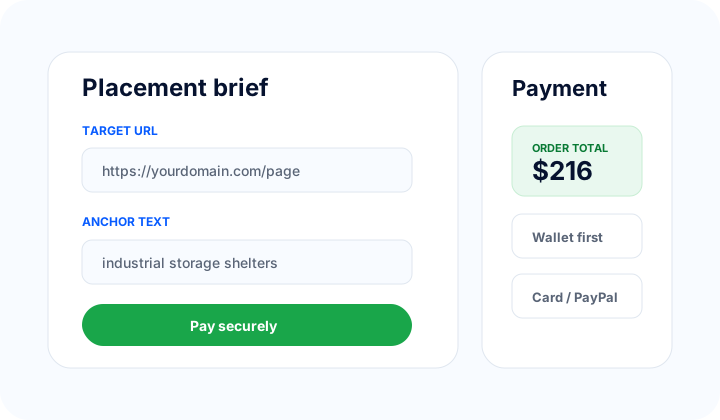
For new domains and SEO beginners who need a first set of manually reviewed placements.
For established websites that need a stronger link mix and clearer campaign structure.
For agencies and ambitious campaigns that need more volume, reporting, and delivery control.
Package decision
Packages work best when you care more about structured delivery than choosing every domain yourself. Admin still reviews the brief, publisher fit, and fulfillment risk manually.
Choose a tier, submit target URLs and anchor guidance, then let admin allocate approved resources based on package rules.
If you want to approve each publisher domain before checkout, use the individual backlink marketplace instead of a package.
Packages still need clear pages, anchor ideas, topics to avoid, brand restrictions, and any publisher requirements before assignment.
Checkout view
Even when admin chooses the publishers, customers still need a clear target URL, anchor direction, project, instructions, and payment review. Showing the checkout view reduces confusion before buyers enter the app.
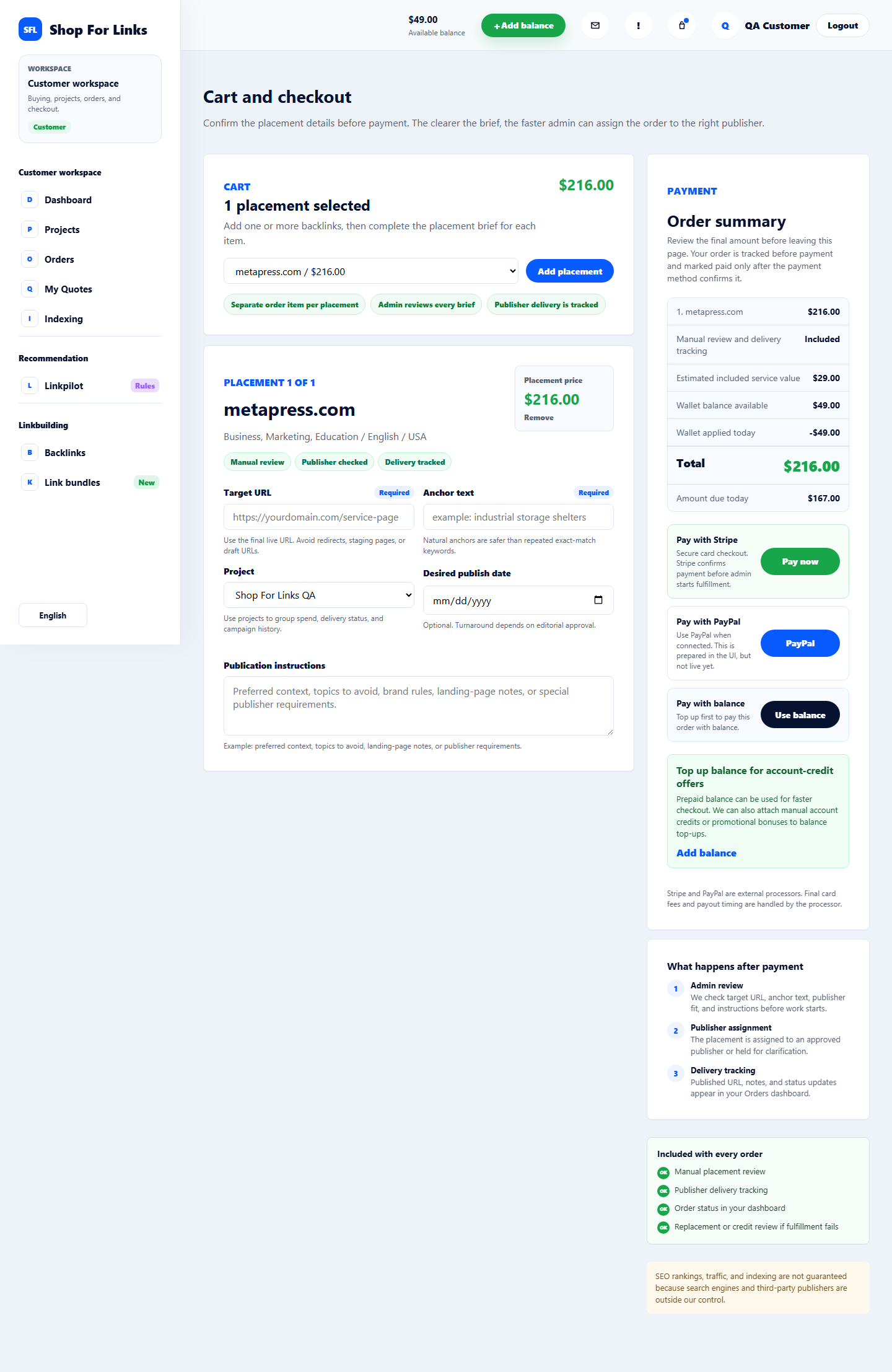
Package control path
Customers choose the package and brief the campaign, while admin selects publishers and reviews delivery before the package is marked complete.
Customers choose a product or package, submit target URL, anchor text, project, instructions, and payment before fulfillment begins.
Admins check payment, brief quality, publisher fit, task assignment, delivery proof, revisions, and manual settlement records.
Publishers submit approved websites, receive assigned tasks, publish manually, and upload final URLs or notes for admin review.
Shop For Links controls ordering, review, delivery tracking, and settlement records. Search rankings, organic traffic, indexing, and publisher editorial acceptance are not guaranteed.
Package workflow
Select the package tier that matches your site stage, budget, and link-building goals.
Add target URLs, anchor ideas, topics to avoid, and any brand or publisher requirements.
The team selects suitable approved publishers and creates fulfillment tasks manually.
Published URLs, notes, and order status are tracked in your dashboard after fulfillment.
Backlink packages organize manual fulfillment, but they do not guarantee search rankings, traffic growth, indexing, or exact publisher acceptance. Publisher availability can change before assignment.
Need a custom campaign?Related paths
FAQ
Packages are admin-selected. If you need exact publisher selection, use the individual backlink marketplace.
Yes. Checkout can collect multiple target URLs and anchor notes, then admin assigns placements manually.
A package is complete after the assigned placements are published, reviewed, and visible in your order history.